
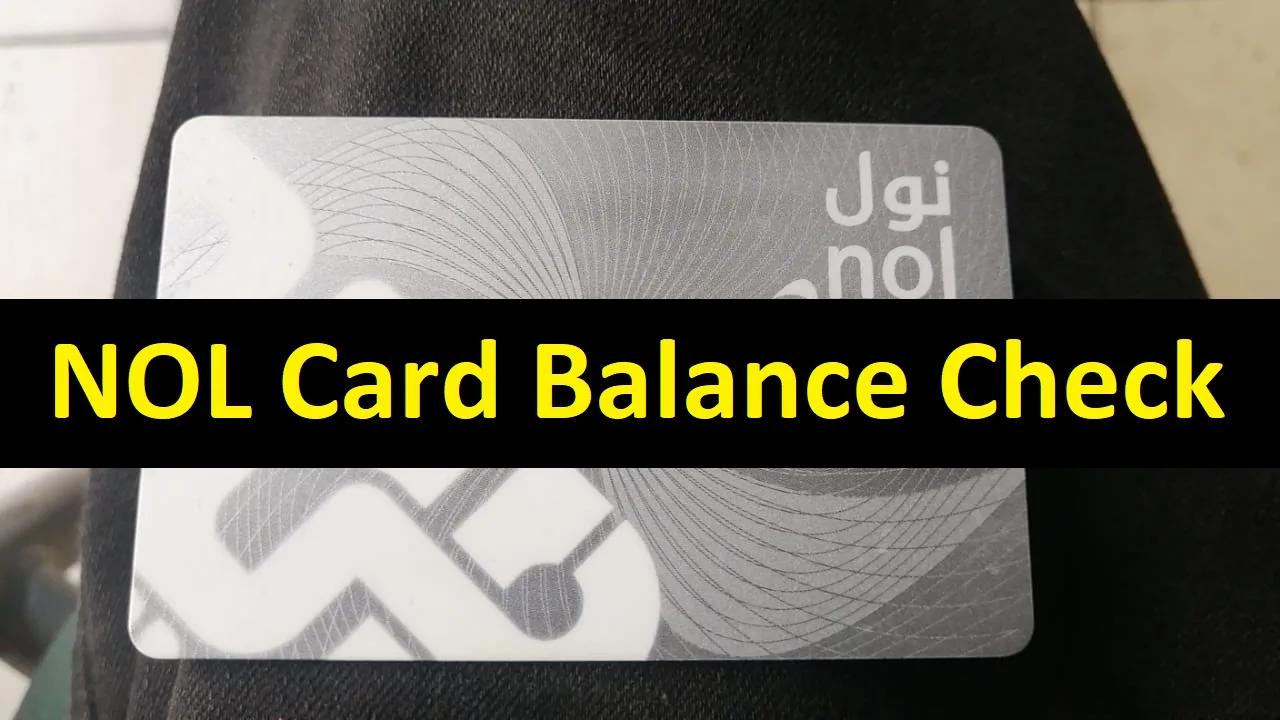
If you use public transport in Dubai, knowing your available NOL card balance can help you avoid delays before starting your journey. Fortunately, an NOL card balance check is quick and can be done through several convenient methods.
In this guide, you’ll learn how to check NOL card balance online, through the RTA Dubai app and at ticket machines, along with other useful information about your NOL card.
How to Check NOL Card Balance Online
One of the easiest ways to check your NOL card balance is through the official Roads and Transport Authority (RTA) website.
Follow these steps:
- Visit the official RTA Dubai website.
- Find the NOL card services section.
- Select the option for checking your NOL card balance or card details.
- Enter the required NOL card information, such as your card/tag ID.
- Submit the details.
- Your available NOL card balance will appear on the screen.
Make sure you enter the card number correctly to avoid errors.
What Is a NOL Card?
A NOL card is a smart payment card used for Dubai’s public transportation network. Instead of purchasing a separate ticket for each journey, passengers can use their NOL card to pay for eligible transport services.
Depending on the service and applicable RTA rules, NOL cards can be used across transportation options such as:
- Dubai Metro
- Public buses
- Dubai Tram
- Water buses and certain marine transport services
- Other supported RTA services
Having enough balance on your card before travelling makes using Dubai’s public transport system much more convenient.
NOL Card Balance Check Through the RTA Dubai App
You can also use RTA’s mobile services to access NOL card information.
The general process is:
- Open the official RTA Dubai app on your smartphone.
- Go to the NOL services section.
- Select the relevant balance or card-information service.
- Enter or scan your NOL card details when prompted.
- View the available information about your card.
Available features can vary depending on your phone, card type and the current version of the RTA app.
Check NOL Card Balance at a Ticket Machine
If you’re already at a Dubai Metro station, you can use an available ticket vending machine to check your card information.
Place or scan your NOL card as instructed by the machine. The screen should display relevant card information, including the available balance.
This method is useful when you want to confirm your balance immediately before travelling.
Check Your NOL Card Balance at Metro Stations
NOL card services are also available at Dubai Metro stations. Depending on the station and available facilities, you can check your card using a ticket machine or ask at the relevant customer service or ticketing counter.
This can be particularly helpful if you’re having trouble checking your card online.
Where Can I Find My NOL Card Number?
Your NOL card has identifying information printed on the physical card. When an online service asks for your NOL card or tag ID, carefully enter the requested number exactly as it appears on your card.
Double-check every digit before submitting your request.
Why Should You Check Your NOL Card Balance?
Checking your balance before leaving can prevent unnecessary inconvenience during your journey. If the available amount is too low, you may need to recharge the card before using certain transport services.
Regular balance checks are especially useful if you:
- Travel on the Dubai Metro every day
- Frequently use RTA buses
- Use one NOL card for multiple types of public transportation
- Have not used your card recently
- Are unsure how much money remains on your card
How to Recharge Your NOL Card
If your NOL balance is insufficient, you can recharge the card using supported RTA channels.
Depending on the card and service availability, recharge options may include online RTA services, mobile services, ticket vending machines, Metro stations and authorized locations.
After an online recharge, additional steps or processing time may sometimes apply before the new amount becomes usable. Follow the instructions shown by the official RTA service when topping up your card.
NOL Card Balance Not Showing? Try These Steps
If you can’t see your balance, first check whether you’ve entered the correct card information.
You can also try:
- Entering the card/tag ID again.
- Refreshing the page and retrying.
- Checking your internet connection.
- Using an official RTA mobile service instead.
- Trying a ticket vending machine at a Metro station.
- Contacting RTA if the issue continues.
Temporary technical issues can occasionally prevent card information from appearing immediately.
Tips for Managing Your NOL Card
Check your NOL balance regularly, particularly before a long journey or a day when you’ll use several transport services.
It’s also a good idea to recharge before your balance becomes too low. Keeping sufficient value available can reduce the chance of having to stop and recharge immediately before travelling.
Use official RTA channels whenever you need to manage sensitive card-related information or make payments.
Frequently Asked Questions
How can I check my NOL card balance online?
Visit the official RTA Dubai website, navigate to the relevant NOL card service, enter the requested card/tag ID and submit it to view your card information.
Can I check my NOL balance using my phone?
Yes. RTA provides mobile services that can be used to access NOL-related features. Available functions may depend on your device and the current app version.
Can I check my NOL card balance at a Metro station?
Yes. Ticket vending machines and other available NOL service facilities at Dubai Metro stations can help you check your card information.
Do I need to create an account to check my NOL balance?
The requirements depend on the particular RTA service you’re using. Follow the instructions displayed on the official balance-checking service.
Why is my NOL card balance not updating?
A recent recharge or transaction may not always appear exactly as expected straight away. Check the instructions associated with your recharge method and try checking the card again. Contact RTA if the problem persists.
Can tourists check their NOL card balance?
Yes. Visitors using an NOL card can check their card information through supported RTA channels, just like other passengers.
Final Words
Performing an NOL card balance check is a simple way to make your journey around Dubai more convenient. You can check your balance online through official RTA services, use supported mobile services, or check your card at a Dubai Metro station.
Before travelling, check your available balance and recharge your card when necessary. It only takes a short time and can help you avoid interruptions during your journey.