
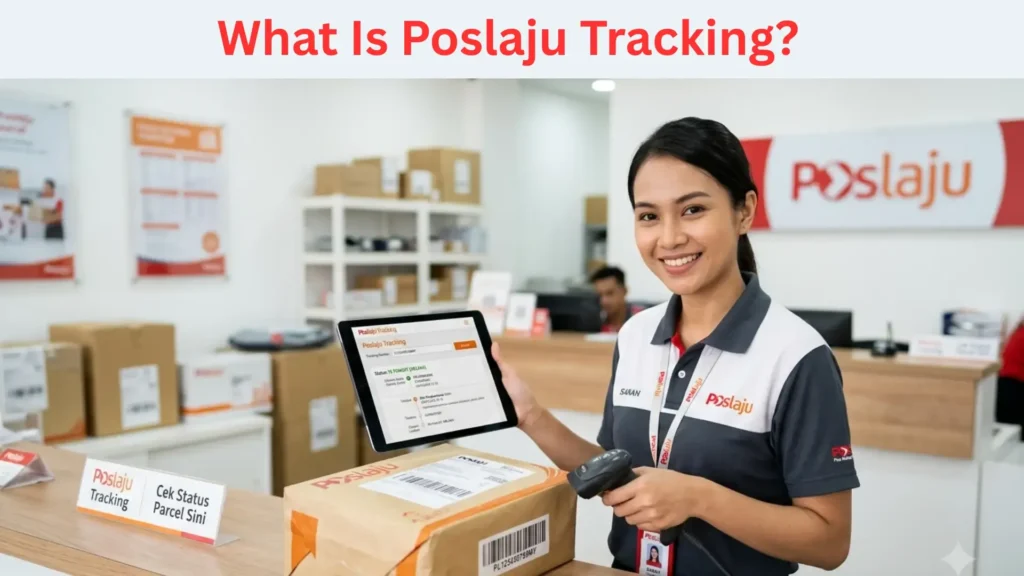
Your Poslaju consignment number sits on the receipt, the shipping label and the seller’s confirmation. It is a short code of letters and digits that ends in MY. Type it exactly as printed into the tracker and you see the latest scan. If you get “not found”, the cause is usually a typo, the wrong field or a number that is not active yet.
This guide covers what the number looks like, where each channel hides it, what the status means and how to fix the common errors. Pos Laju is the express courier service of Pos Malaysia. The site linked below is independent. It is not Pos Malaysia and it does not deliver parcels.
What the Consignment Number Looks Like
Think of the number as your parcel’s ID card. Every scan, hub transfer and delivery attempt attaches to it.
- It mixes letters and digits, with no symbols.
- It usually opens with letters and ends with the country marker MY.
- Case does not matter. Spaces are optional when you search.
- A parcel has one number. A different parcel from the same seller has a different one.
Formats can change over time. This guide does not promise a fixed length or prefix. If your code looks unfamiliar, confirm it on the official Pos Malaysia Track & Trace page before you assume it is wrong.
Tip: Compare the last two characters first. Most Poslaju parcels end in MY. If yours ends differently, you may hold another carrier’s number.
Where to Find Your Number
The number appears in different places depending on how the parcel was sent. Use this table.
| Where you look | What to check | Common catch |
| Counter receipt | The consignment or tracking line near the barcode | Thermal print fades, so photograph it |
| Parcel label | The text printed under the barcode | The label may also show an order ID |
| Shipping confirmation from the seller | Check the spam folder | |
| SMS | Dispatch message from the seller or courier | Messages can arrive hours late |
| Marketplace order page | Order details, then shipping information | The order number is not the consignment number |
From a Counter Receipt
Staff scan your parcel at a Pos Malaysia branch or an authorised outlet. The receipt prints the number. Take a photo before you leave the counter.
From an Email or SMS
Search your inbox for the word “tracking” or “consignment”. Copy the code instead of retyping it. Copying removes the risk of confusing O with 0 or I with 1.
From an Online Order
Shopping platforms show a shipping section inside each order. The number appears there once the seller hands the parcel over. Until then you see a placeholder or nothing at all.
Warning: Never share your IC number, bank details or an OTP to “release” a parcel. A real consignment lookup needs only the number.
How to Enter the Number Correctly
Follow these steps and most failed searches disappear.
- Copy the code from the receipt, email or SMS. Avoid retyping if you can.
- Open the official Pos Malaysia Track & Trace page or the Pos Malaysia app.
- Paste the code into the tracking box, not the search bar or the postcode field.
- Remove any trailing space your keyboard added.
- Submit and read the newest entry first.
If you want a plain-language second view, paste the same code into pos laju tracking and compare the scan dates with the official page. Both pages should agree. When they do not, trust the official one.
What the Status Tells You
A status is a snapshot of the last scan. It does not predict arrival. These are the stages you will see most often. Wording varies slightly by channel.
- Item booked. The sender registered the parcel. Nobody has scanned it physically yet.
- Received or picked up. Pos Malaysia has the parcel in its network.
- Processed at a hub or in transit. The parcel is moving between sorting facilities.
- Out for delivery. A courier loaded the parcel for delivery that day.
- Delivery attempted. The courier could not hand it over. Contact customer service to rearrange.
- Delivered. The courier completed the handover.
Common Mistakes and Quick Fixes
Most “number not working” cases come from one of five problems.
Typos and Look-Alike Characters
The usual culprits are the letter O against zero and the letter I against one. Copy and paste the code. If you must type it, read it aloud from the receipt.
Using the Wrong Field
Many platforms show several codes in one place. These are not interchangeable:
- Order number from the shop
- Seller’s invoice number
- Payment reference
- Consignment number from the courier
Only the courier’s code works in the tracker. Look for a line labelled tracking, consignment or shipment.
The Number Is Not Active Yet
Sellers often generate the number before they hand the parcel over. The tracker then shows nothing or “not found” until the first scan. Wait several hours, or until the next working day, and search again. The seller can confirm the drop-off date.
Tip: Save the number in your phone notes with the seller’s name. Support staff ask for it first, and it spares you a hunt through old emails.
When to Contact the Courier
Give a parcel time before you escalate. If the status does not move for about three working days, contact Pos Malaysia customer service through the channels listed on its official website. Have these ready:
- The consignment number
- The sender’s name and drop-off date
- Your delivery address
- Screenshots of the tracking screens
If you want more examples of how the code is laid out and what each field means, the page on the pos laju tracking number shows sample layouts beside the usual error messages.
FAQs
Where can I find my Poslaju consignment number?
Check the counter receipt, the parcel label, the seller’s email or SMS, or the shipping section of your online order. The number is the courier’s code, not the shop’s order number.
Why does my Poslaju number say “not found”?
You may have made a typo, used the wrong code, or searched before the first scan. Recheck the characters, then try again after a few hours.
Is the order number the same as the consignment number?
No. The order number belongs to the shop. The consignment number belongs to the courier. Only the courier’s code works in the tracker.
How long before a new number starts working?
It starts working after the first scan. That usually happens once the sender hands the parcel over. Confirm the drop-off date with the seller if nothing shows after a full working day.
Can I track a parcel without the number?
Not directly. Ask the sender for the code, or look in the order page, email and SMS. Branch staff need details to search.
Final Thoughts
Copy the consignment number the moment you receive it, and paste it instead of typing it. Check the last two characters, wait for the first scan and read the status as a snapshot, not a promise. If three working days pass with no movement, contact Pos Malaysia with the number in hand.